work
A design system that helped win a contract renewal
I led a design system for three products in React and Angular: 25 components that meet WCAG 2.1 AA and 87 pages of docs. Stakeholders praised the result.
- 3Products
- 2Frameworks · React & Angular
- 25Components · WCAG 2.1 AA
- 87Pages of docs
- PROJECT
- Government Design System
- ROLE
- Lead UX/UI Designer
- TIMELINE
- 2025 to 2026
- STACK
- UX/UI, Design Systems, Frontend
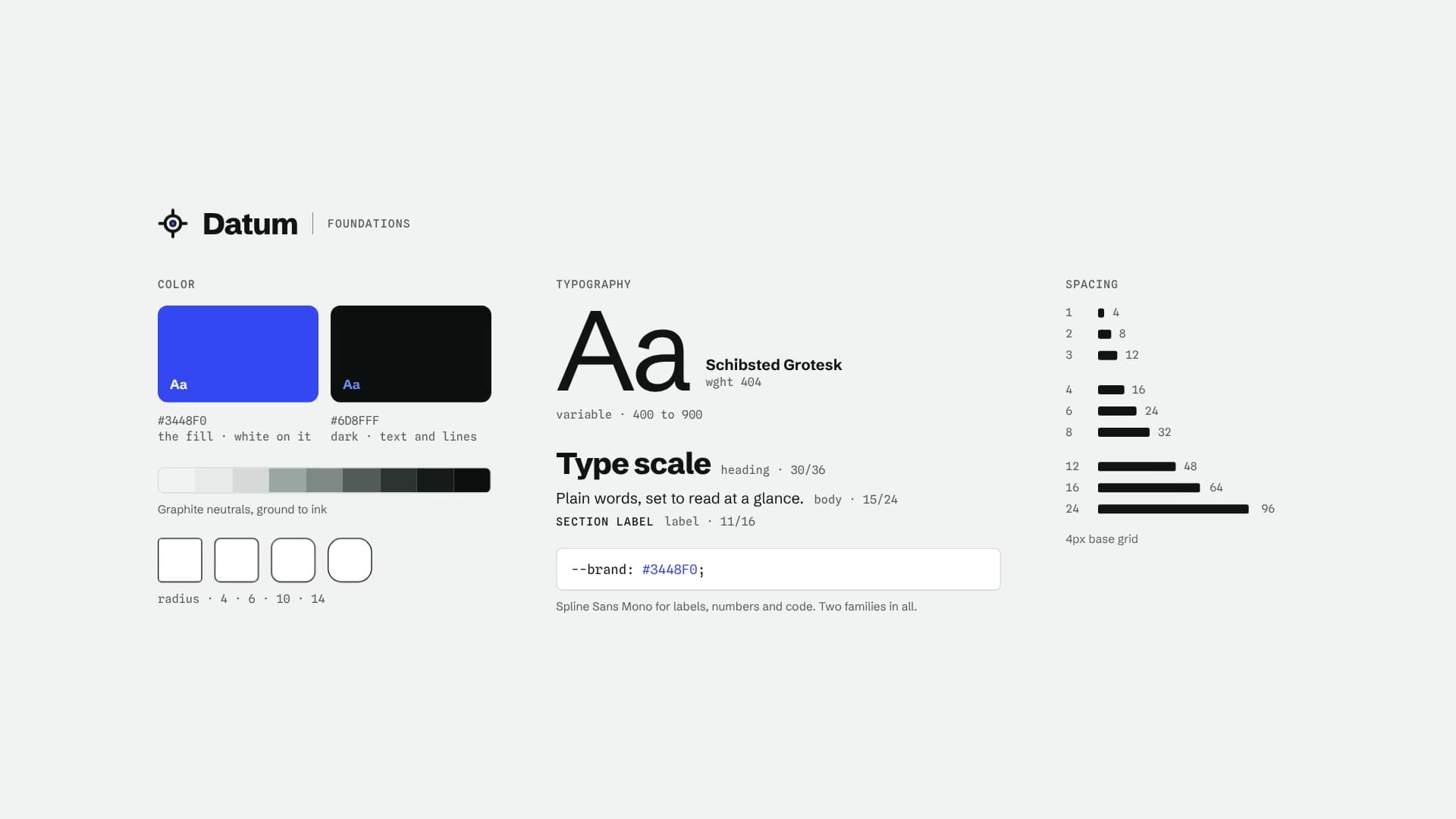
Overview
The government stakeholders praised the improvements to their products’ UX and UI, and the work helped the team secure a contract renewal. In their words, the products felt:
“More modern and intuitive.”
My part was the system’s UX direction, component design, tokens, and documentation, including an 87-page docs site. I worked with the frontend developers who built it in React and Angular, and we set WCAG 2.1 AA as the shared accessibility standard.
The challenge
The product teams worked separately and moved quickly. Each application had its own buttons, form patterns, and interpretation of the brand. Developers rebuilt the same components in React and Angular, and the two versions drifted over time.
People moving between products encountered different interaction patterns, while accessibility depended on the decisions made by each delivery team. Designers also had to translate values from Figma by hand, which made small inconsistencies easy to introduce.
Working across the full product suite gave me a clear view of how those differences were adding up. I brought the problem to the wider team, and together we shaped a shared system that would give both frameworks the same source of truth, make WCAG 2.1 AA our baseline, and reduce the time spent rebuilding common UI. We also knew the system had to fit naturally into each team’s day-to-day work.
Finding the right scope
Product audit
I audited the product suite to identify repeated patterns, inconsistencies, and accessibility gaps. I also studied Polaris, Material, Spectrum, and Carbon. Those systems were useful references, but their scale did not fit the size of our team or the products we supported. I shared the findings with the team, and their review helped us focus on the components and foundations we actually needed.
Choosing the tools
Early in the project, the developers evaluated a commercial design-to-code platform while I represented the needs of the design workflow. The platform produced invalid stylesheets in some edge cases and tied the work too closely to one vendor, so the developers moved to an open toolchain. Token Studio exported Design Tokens Specification JSON, and Style Dictionary transformed those values into CSS variables that both frameworks could use.
We compared implementation approaches as a team. Several product teams already used Tailwind, so developers were familiar with it and could add it without extensive setup. That experience made it a practical choice across React and Angular. Components were designed and reviewed in Figma first, then built and tested in Storybook.
Building the system
Token structure
I created a three-level token structure using global values, aliases, and component tokens, then reviewed it with the developers. Once we started building it out, the names didn’t work well with the naming conventions we’d begun with. We went back to the drawing board, updated the naming, and got everyone aligned before going further.
Together, the tokens covered color, typography, spacing, borders, and component states such as hover, focus, active, disabled, and error. Token Studio and Style Dictionary carried the approved values from Figma into code, which reduced the manual work that had caused inconsistencies before.
Component process
Each component followed the same path from design to release. I defined the design steps, wrote the component specs, and created annotated Figma designs. The developers added the build and testing steps for the React and Angular versions, giving us one process from initial design through release.
I also drafted the Definition of Done, which the team reviewed and refined. A component was ready only after its variants were designed, tokens were checked across themes, accessibility was verified, visual regression and browser tests passed, and usage guidance was published.
Rolling it out
We rolled the system out in phases, with one product as the pilot. That tested the components in a real application before adoption expanded to the other two. A lunch and learn walked the wider team through how to use it and answered their questions.
Documenting the system
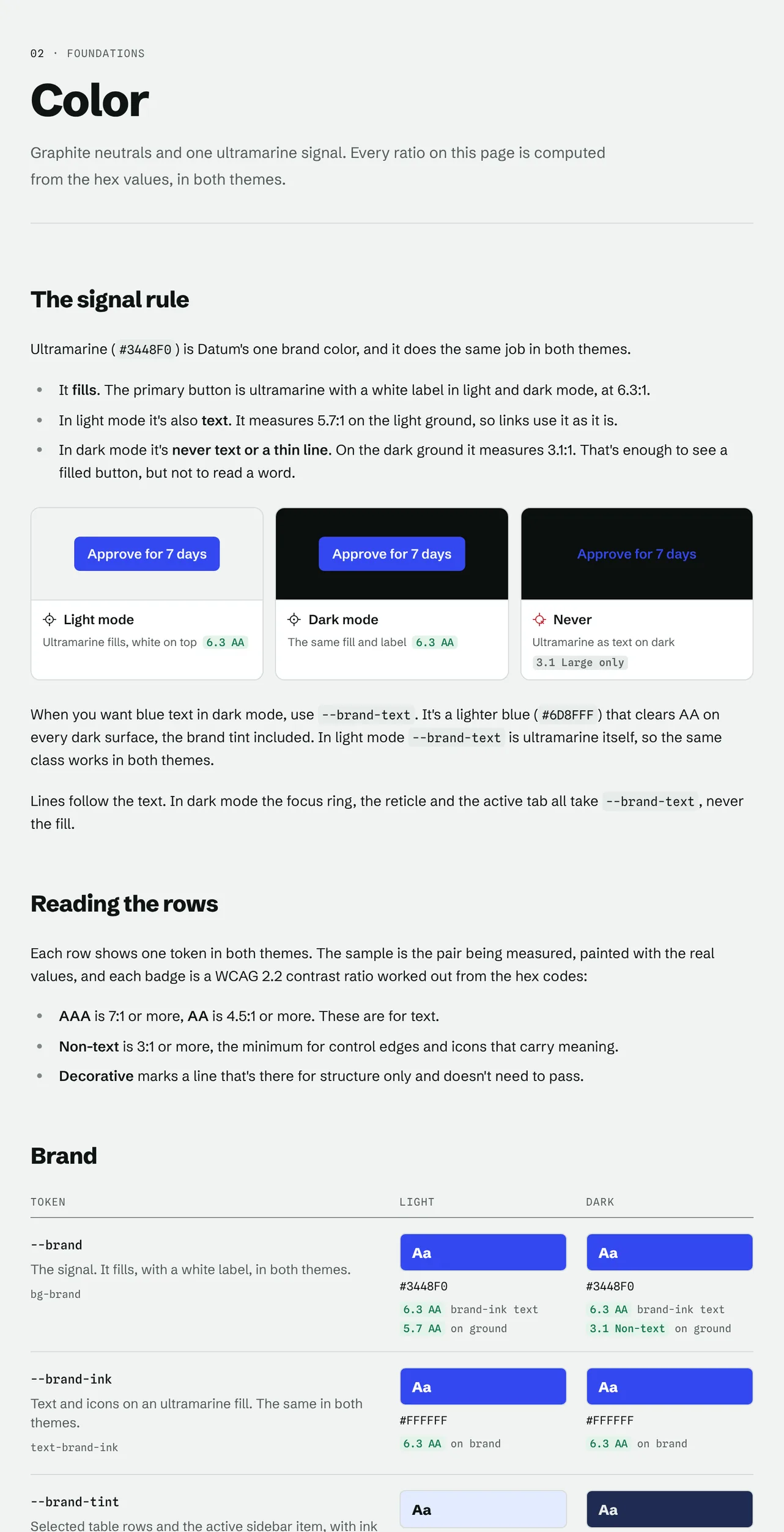
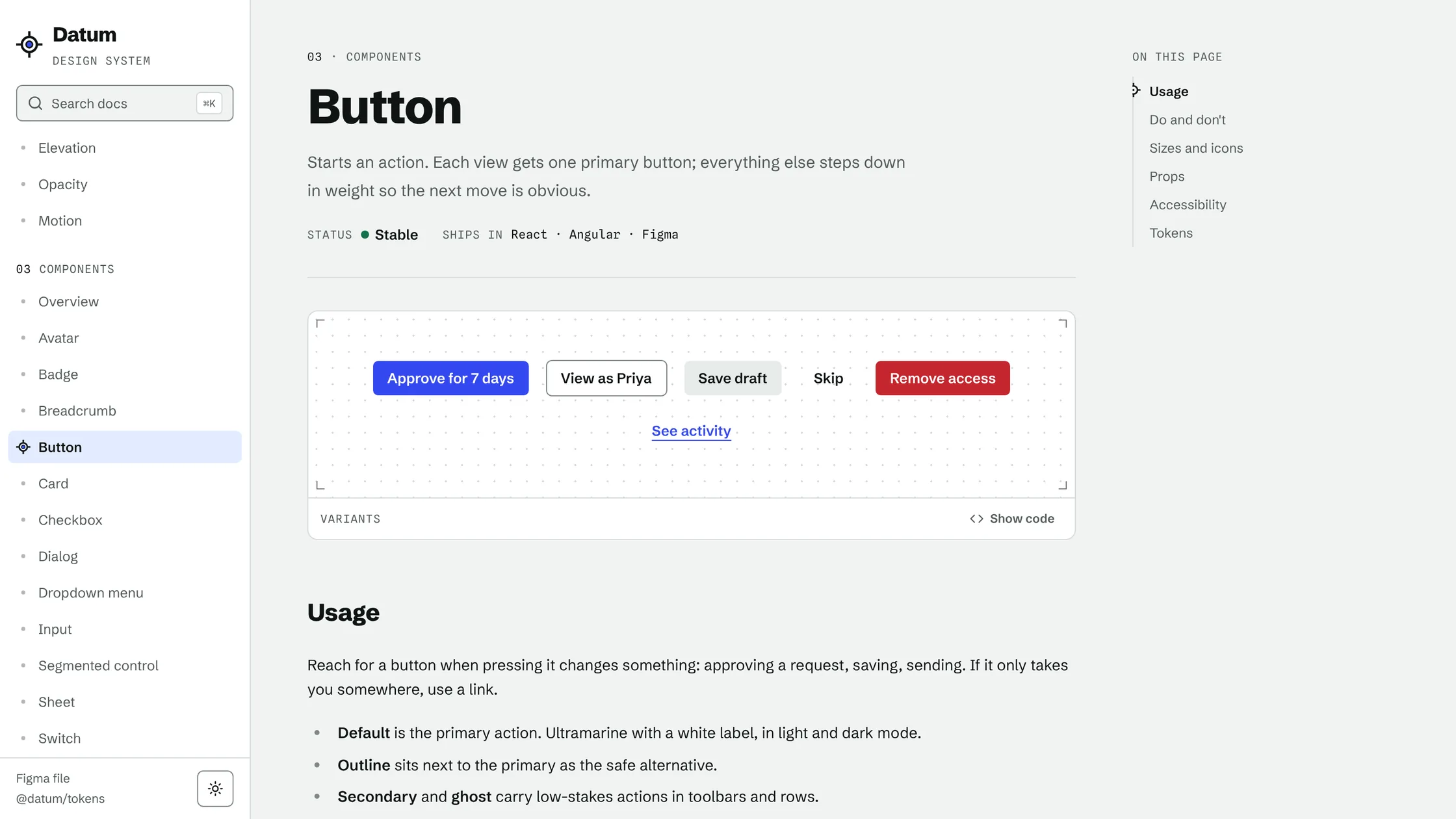
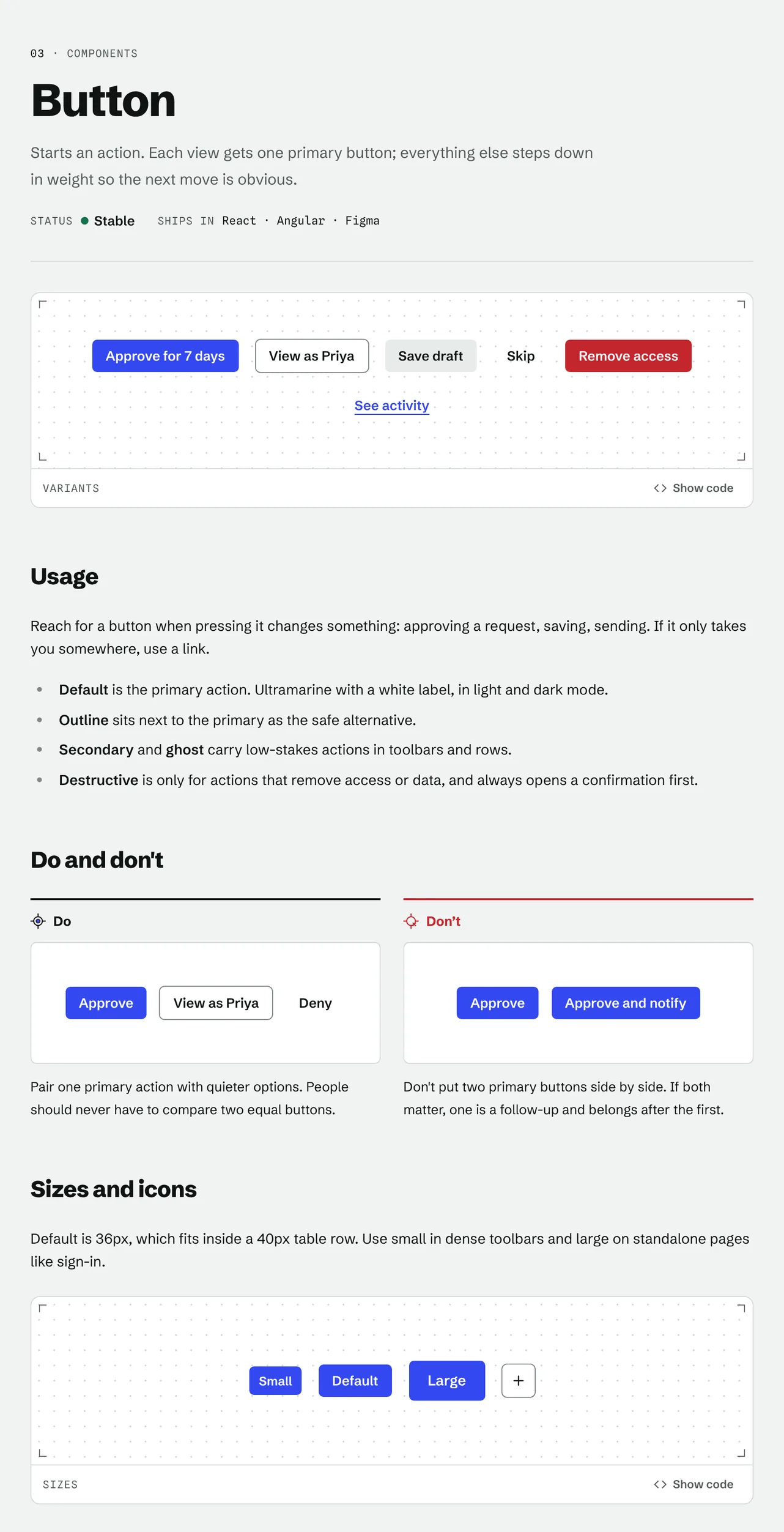
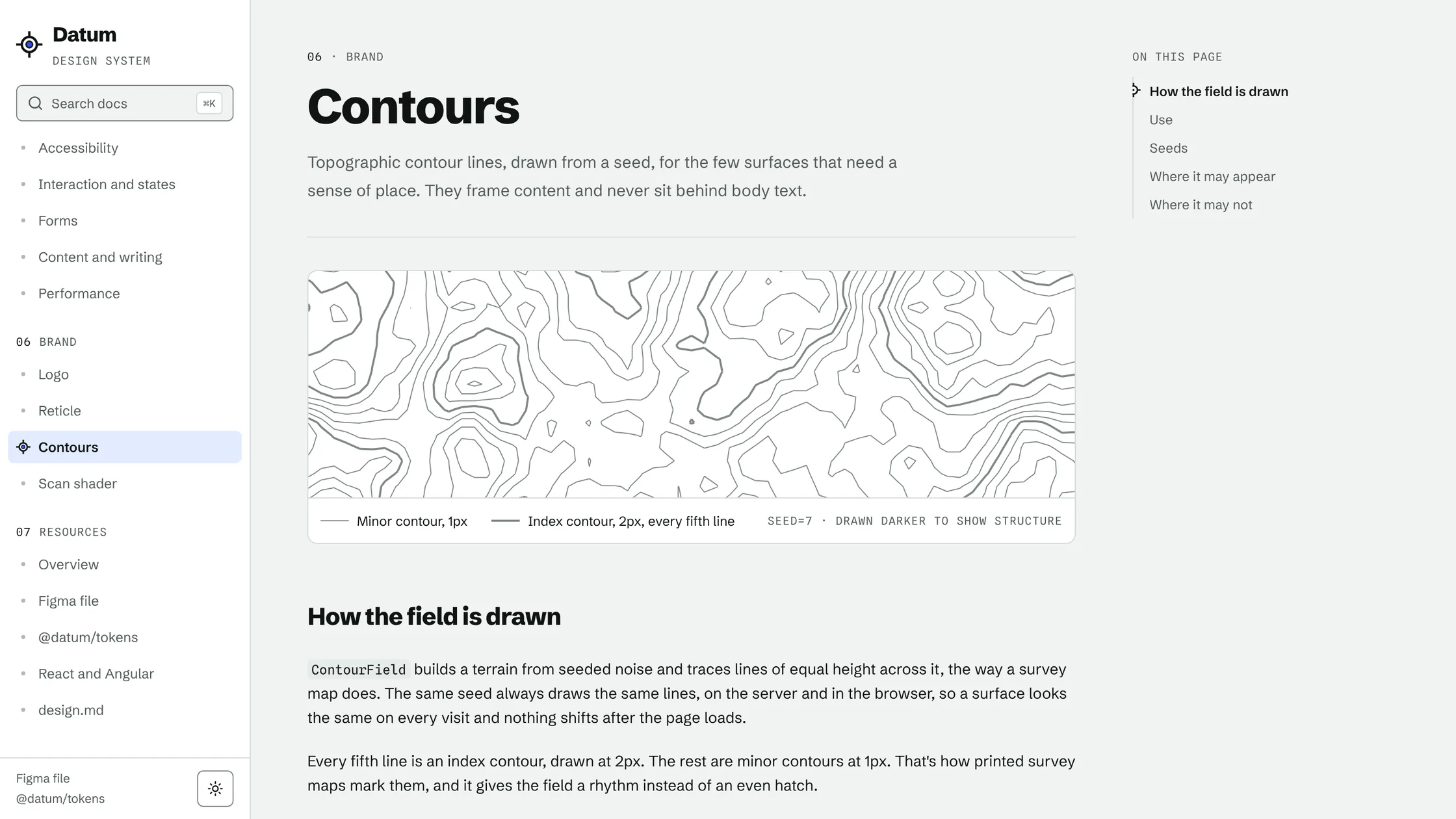
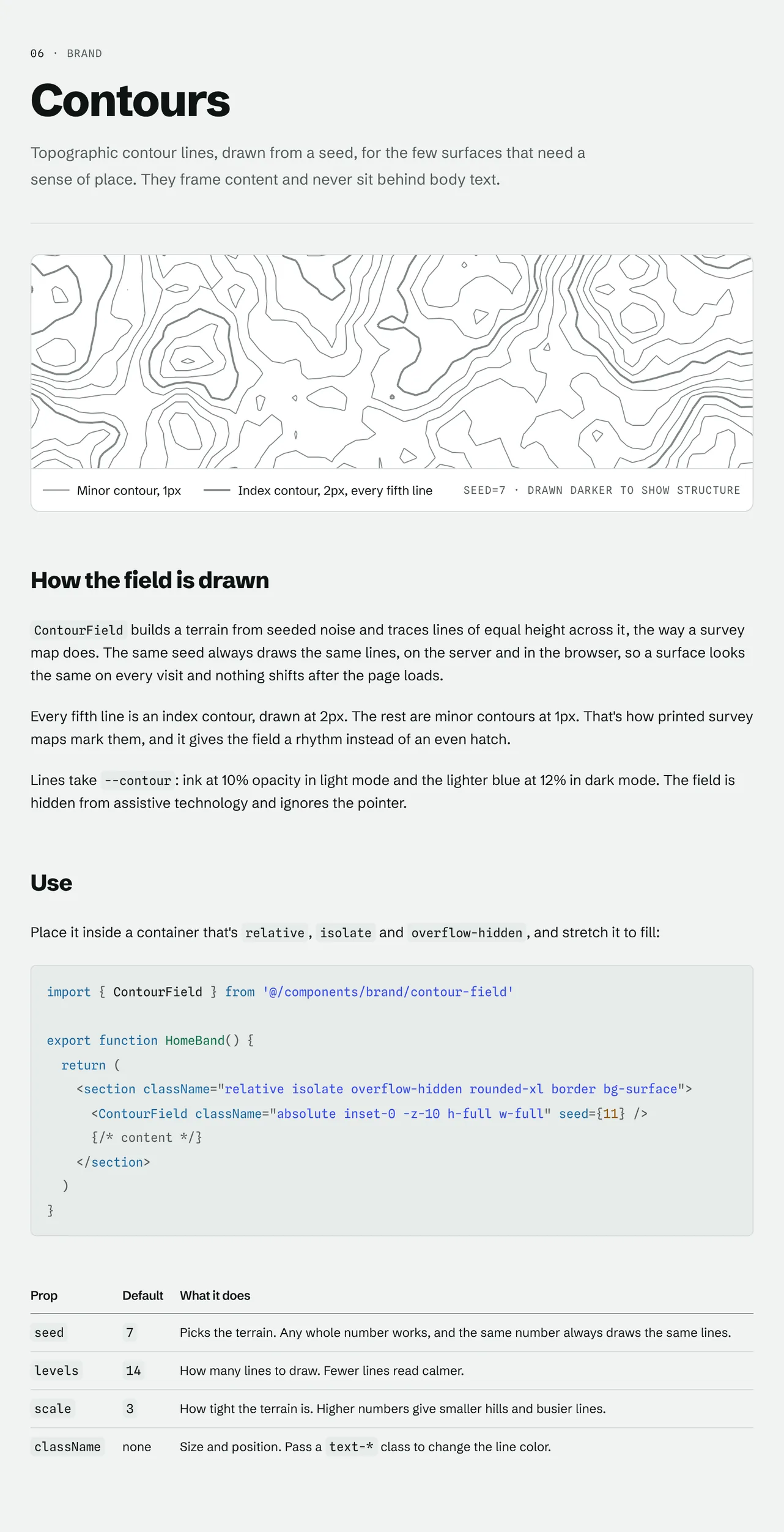
Storybook supported component development and review, while the broader team needed one place to understand the foundations, standards, and reasoning behind the system. I led the UX, structure, and content for an 87-page documentation site covering foundations, guidelines, components, brand, and resources. Teammates contributed their expertise and reviewed the material as it developed. We organized the site around the questions people asked while designing and building products, so they could find practical guidance without needing help from the core team.
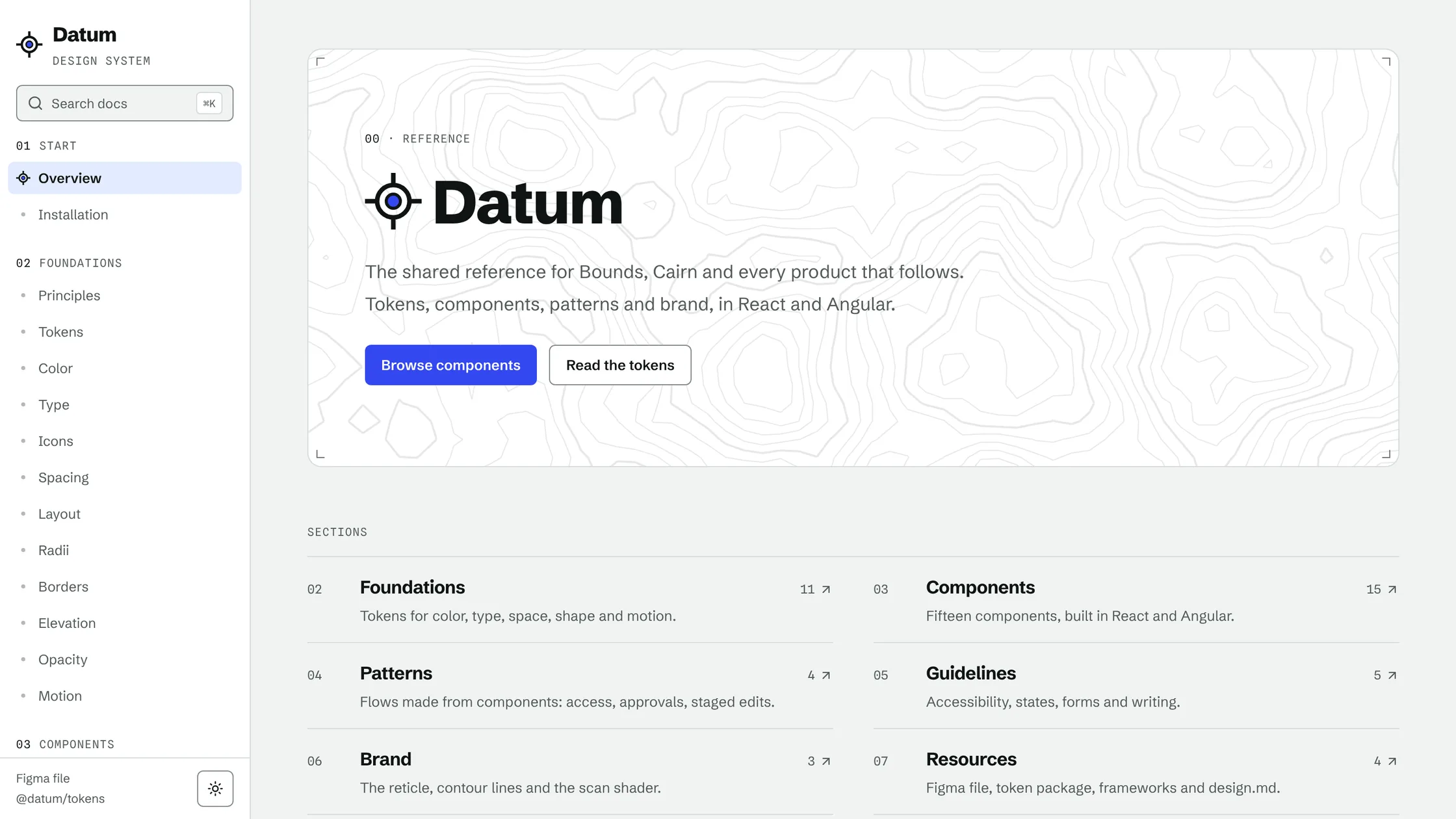
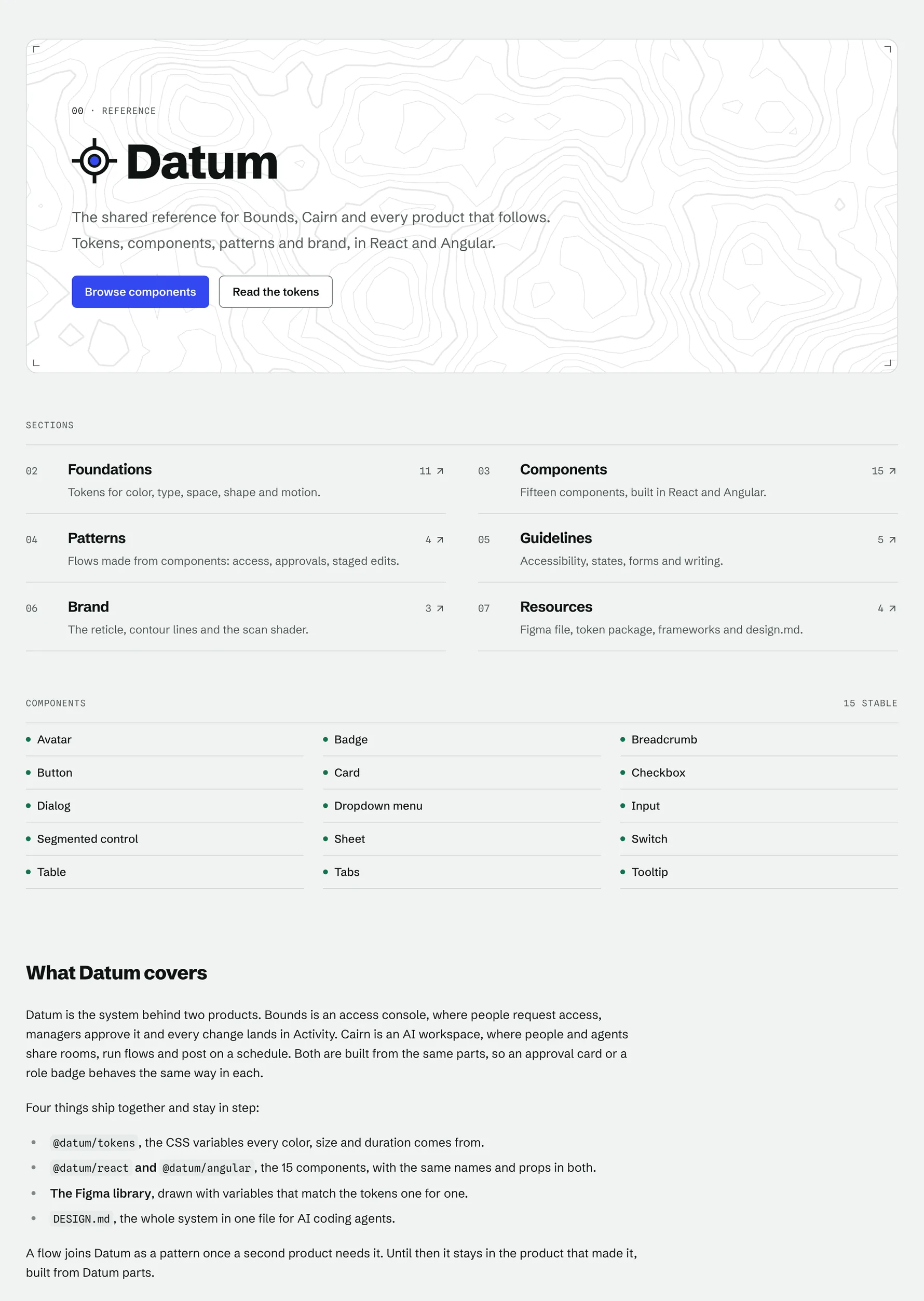
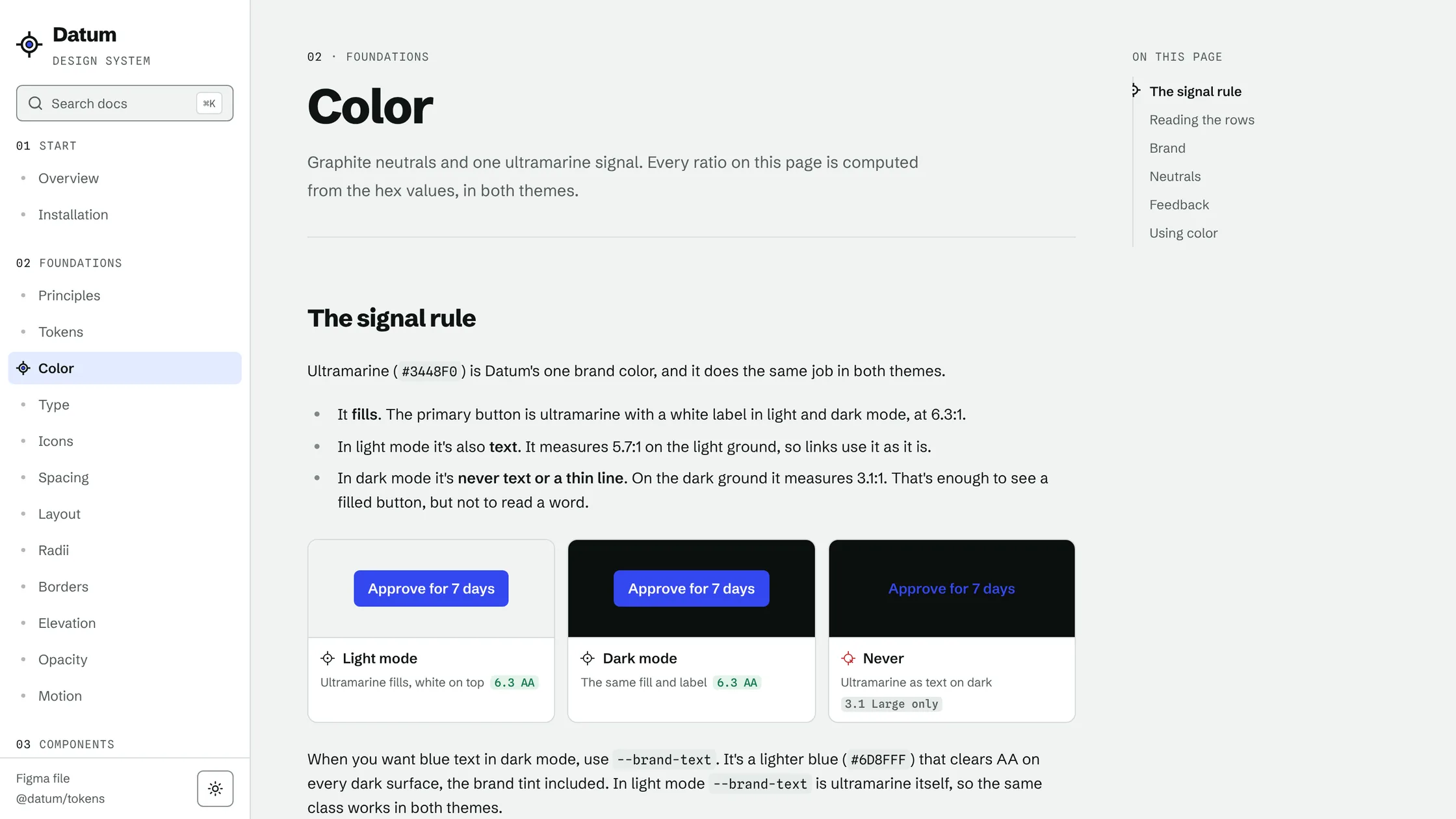
Component pages
Every component page follows the same structure: a live example, variants and sizes, interaction states, props, accessibility requirements, and do and don't guidance. Shared preview patterns keep those pages consistent and make new documentation faster to produce.
Practical guidance
The guidelines turn accessibility, forms, content, interaction, and performance requirements into checks that designers and developers can use during reviews. The site also explains the token hierarchy, naming conventions, themes, and the process for applying tokens in Figma and code. Brand guidance, reusable resources, and contribution instructions give the team a single reference for both design and implementation.
Handoff
I handed the site to the developers, who checked its values against the token package and deployed it next to the products. I also wrote a DESIGN.md file so AI agents can read the design system, and built agent skills the team can use for motion principles and accessibility checks.
Looking back
The strongest part of the project was the shared process. I could bring a component from audit and design into a team review, then work with developers as they carried it through implementation and testing. The lifecycle and Definition of Done gave us a clear way to make decisions together, and the pilot tested that process against real product needs.
If I approached the work again, I would involve the pilot product team earlier while setting the initial component roadmap. Their day-to-day use cases would help us prioritize the first release with more confidence and reduce the amount of adjustment during implementation.
The project changed how I think about adoption. A design system becomes useful when teams can understand it, apply it, and see their own needs reflected in it. In future systems work, I will bring developers and product teams into the process early while continuing to give design decisions clear ownership.